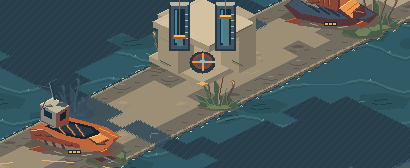
MOVE THE TIDE
Two crossings cut the basin. Whoever holds the sluice dries one and drowns the other, or floods both. Dry the north for your armored push, or flood everything and land a barge behind the enemy line.
Two crossings cut the basin. Whoever holds the sluice dries one and drowns the other, or floods both. Dry the north for your armored push, or flood everything and land a barge behind the enemy line.
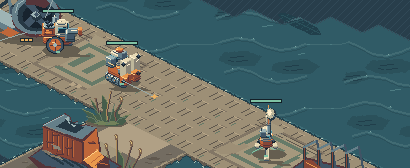
Salvage wrecks, keep pressure up, raise works and train machines. Control groups, a command card and tooltips that explain every machine will be familiar to any RTS player.
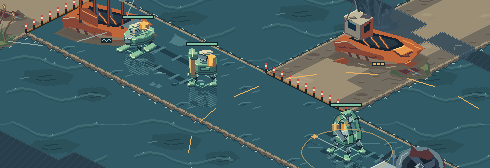
Shallow water slows machines and hurts them more; deep water stops ground machines entirely. Break the enemy's headquarters, or hold both crossings for ninety seconds, and the match is yours.
 BREAKWATER UNIONThe heavy side on dry ground. Its Caisson plugs a crossing.
 SILT ASSEMBLYWorks with the water. The Loom reaches; the Barge crosses.
 SALTGLASS COMPACTFast and fragile: mirrors, brine and causeways laid over the tide.
Host a match and send your friends the join code. No account and no server: the games connect to each other. Two seats on the Split Basin, three on the Confluence, or play against the computer, and learn in a short guided match first.
The music and every sound are synthesized by the game, chiptune style, and follow the match from calm to battle.
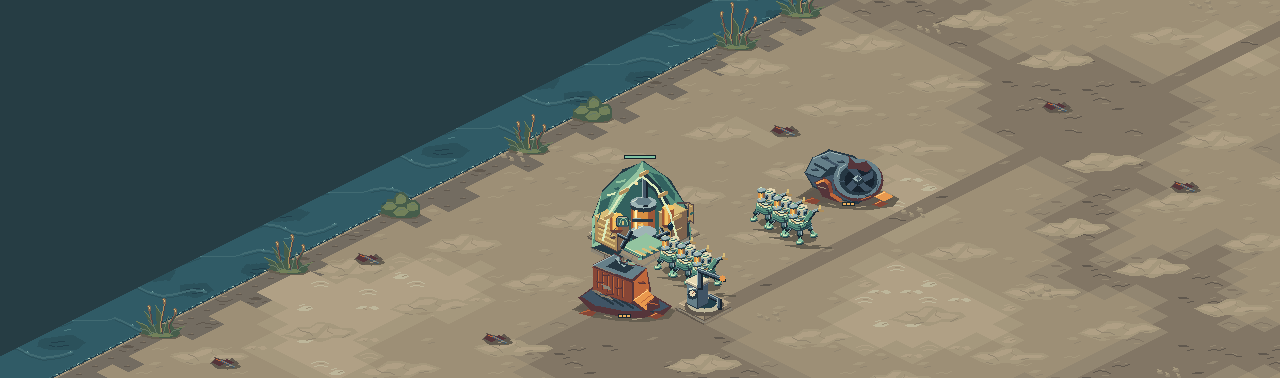
Apple Silicon (M1 or later), macOS 12 or later. Signed and notarized by Apple.
To uninstall, delete BRINEWAKE from Applications and the folder ~/Library/Application Support/Brinewake, which holds the installed game, your settings and saves.
Windows 10 or 11, 64-bit, with a DirectX 12 or Vulkan graphics card. Allow network access when you first host.
To uninstall, delete the folder you unzipped and %LOCALAPPDATA%\Brinewake, where the game is installed. Your settings and saves are in %APPDATA%\Brinewake.
UPDATES Every time you start BRINEWAKE, the launcher asks this page for the newest version. If there is one, it downloads it, checks its signature and installs it before the game opens. Without a connection it starts the version you have. Your settings and saves carry over.
CODE SIGNING The Mac app is signed by its developer and notarized by Apple. The Windows build is not code-signed yet, so Windows asks before its first run. Code signing policy.
Version 0.2.0 · 2026-09-27
Other downloads: macOS (Apple Silicon) · Windows (64-bit)